
Sign in
Get into your coach account on your phone or in a browser.
Open IPTPA Biz Hub on your phone, or go to https://bizhub.iptpa.com in any browser.
Sign in
Section titled “Sign in”IPTPA Biz Hub uses your IPTPA member email and password. They’re the same ones you use at iptpa.com.
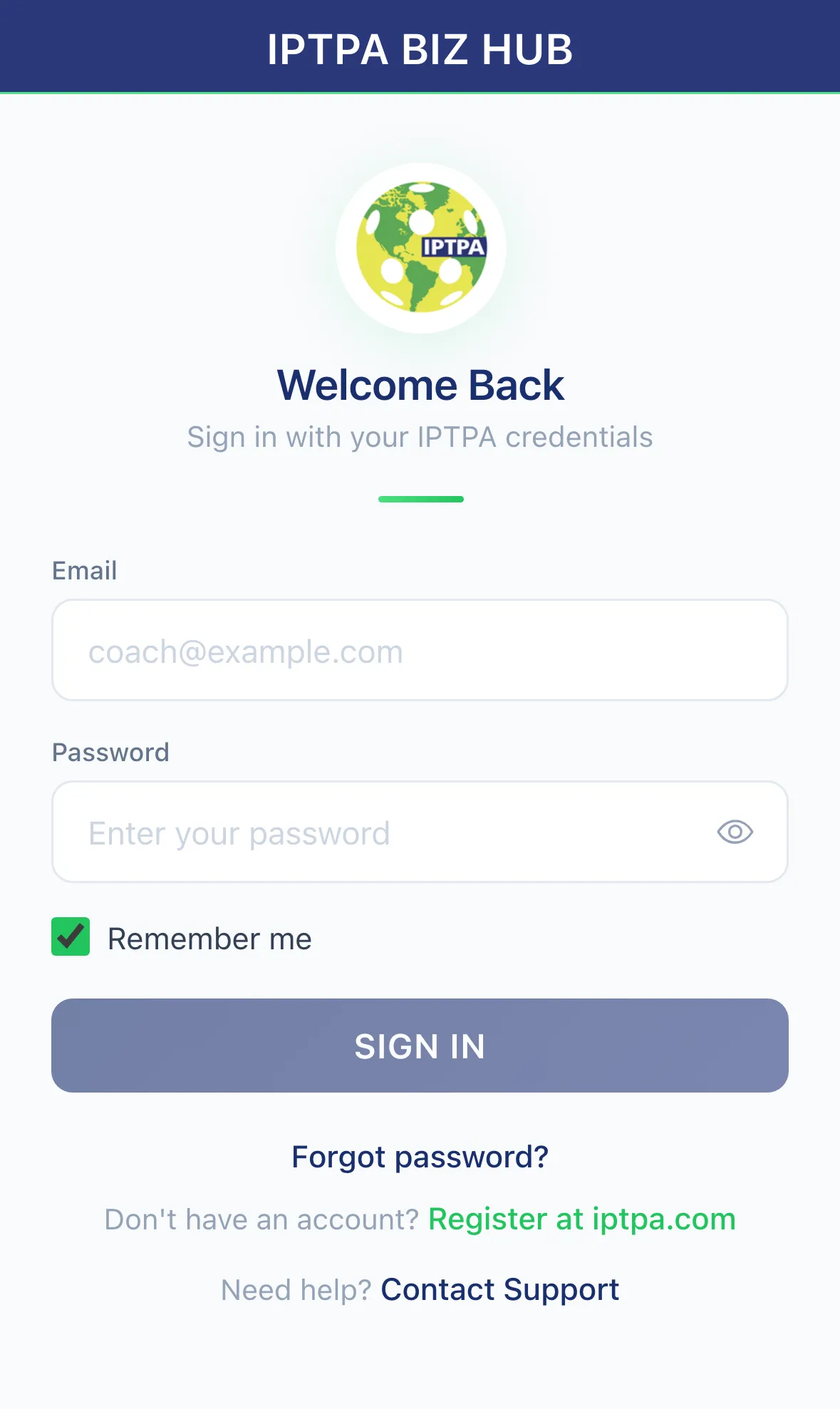
- Enter your Email and Password.
- Leave Remember me ticked to stay signed in on this device.
- Tap Sign In.
Forgot your password? Tap Forgot password?. See Reset your IPTPA password.
Don’t have an account?
Section titled “Don’t have an account?”You need an IPTPA membership first. Tap Register at iptpa.com on the sign-in screen, or go to iptpa.com/membership. If your membership dues have lapsed, sign-in tells you so. Renew at iptpa.com, then try again.
Trouble signing in?
Section titled “Trouble signing in?”Email bizhub@iptpa.com or call +1 (844) 973-3465.