
Add a teaching location
Add the courts or venues where you coach so clients can pick one when they book.
Teaching locations are the places you coach. You choose which of them each availability slot and clinic uses, and clients pick one when they book.
Add a location
Section titled “Add a location”-
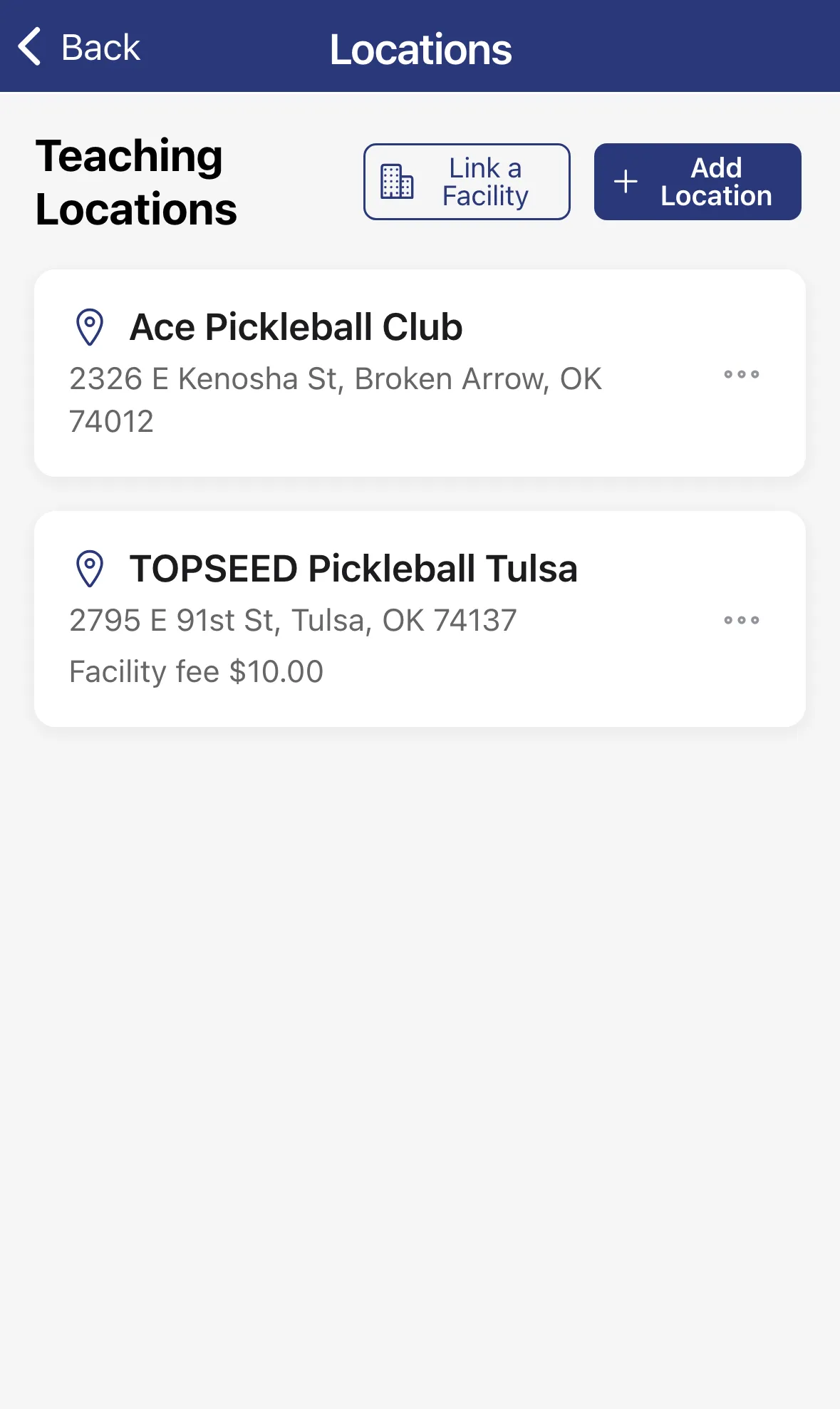
Tap the menu, then Settings, then Teaching Locations.
-
Tap Add Location.
-
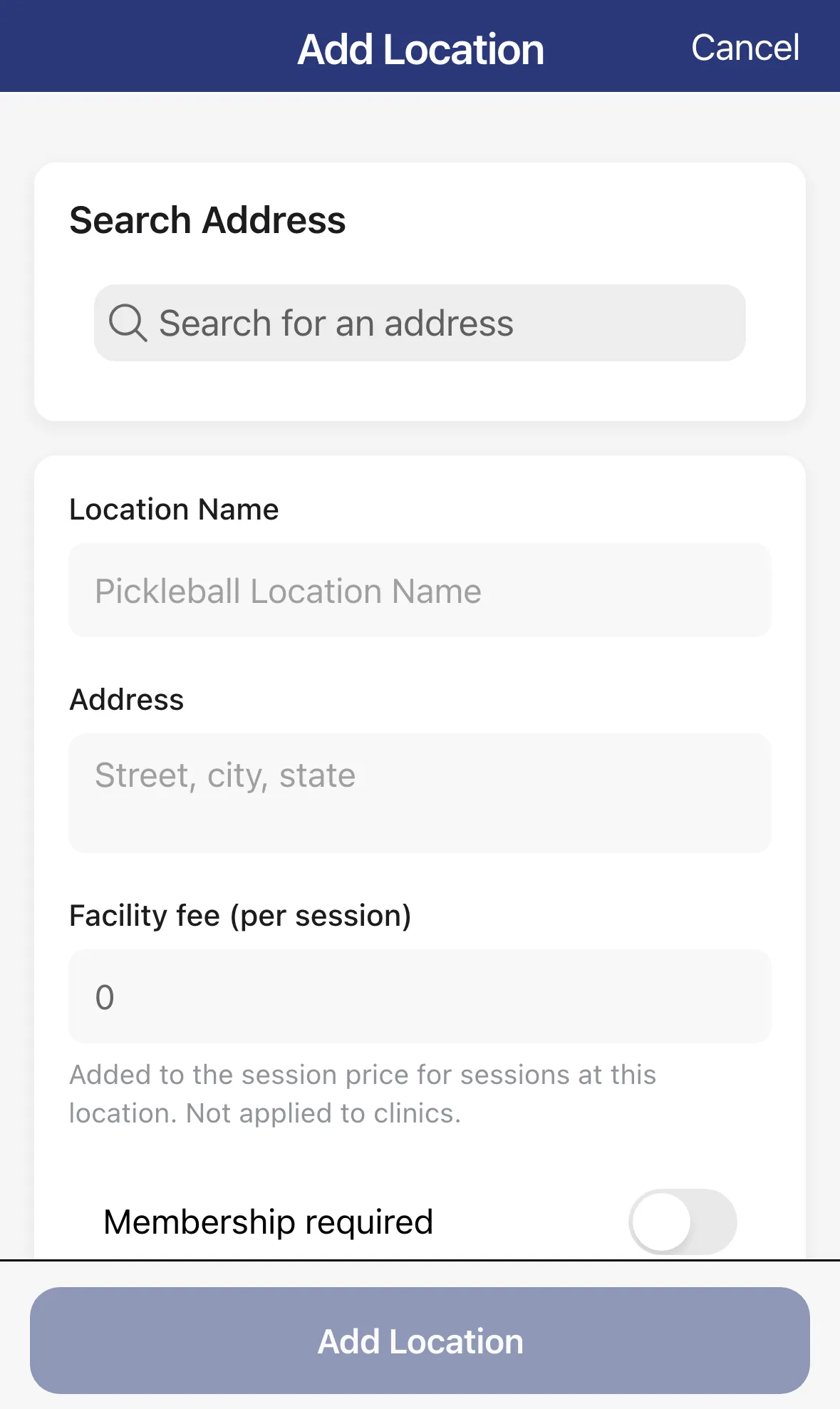
Search for the venue under Search Address and tap a result, or fill in Location Name and Address yourself.
-
Optional: enter a Facility fee (per session). It’s added to the session price for sessions at this location, but not to clinics.
-
Optional: turn on Membership required if clients must be members of the facility to book there.
-
Tap Add Location.
Edit, link or delete a location
Section titled “Edit, link or delete a location”Tap a location to edit it. Tap the … button on its card for Edit and Delete. Editing a saved location also shows estimated driving times to your other locations.
If your facility uses ScheduleCourts, tap Link a Facility and follow the prompts. A linked location shows a Linked to badge, and the … menu gains Unlink from facility.