
Use the community forums
Read what other coaches are discussing, post a question or tip, and reply to others.
Community Hub is a forum for coaches. Browse topics, share a tip or ask a question, and reply to other coaches. Open it from the menu: Business Tools › Community Hub.
Browse the feed
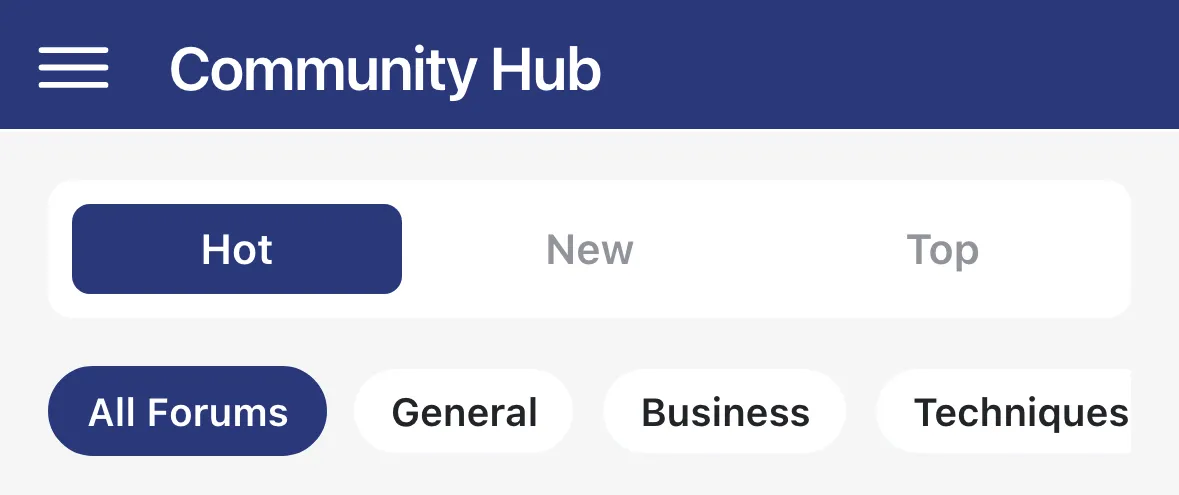
Section titled “Browse the feed”The feed lists posts from every forum. Each post shows its category, title and how many votes and comments it has.
- Tap Hot, New or Top to change the order. Top adds a second row where you pick Day, Week, Month or All.
- The chips under the tabs filter by forum. All Forums is selected to start. Tap a chip to see only that forum. A lock icon marks a private forum.
- Tap the up arrow on a post to vote for it. Tap the post to read it.
- Pull down to refresh.
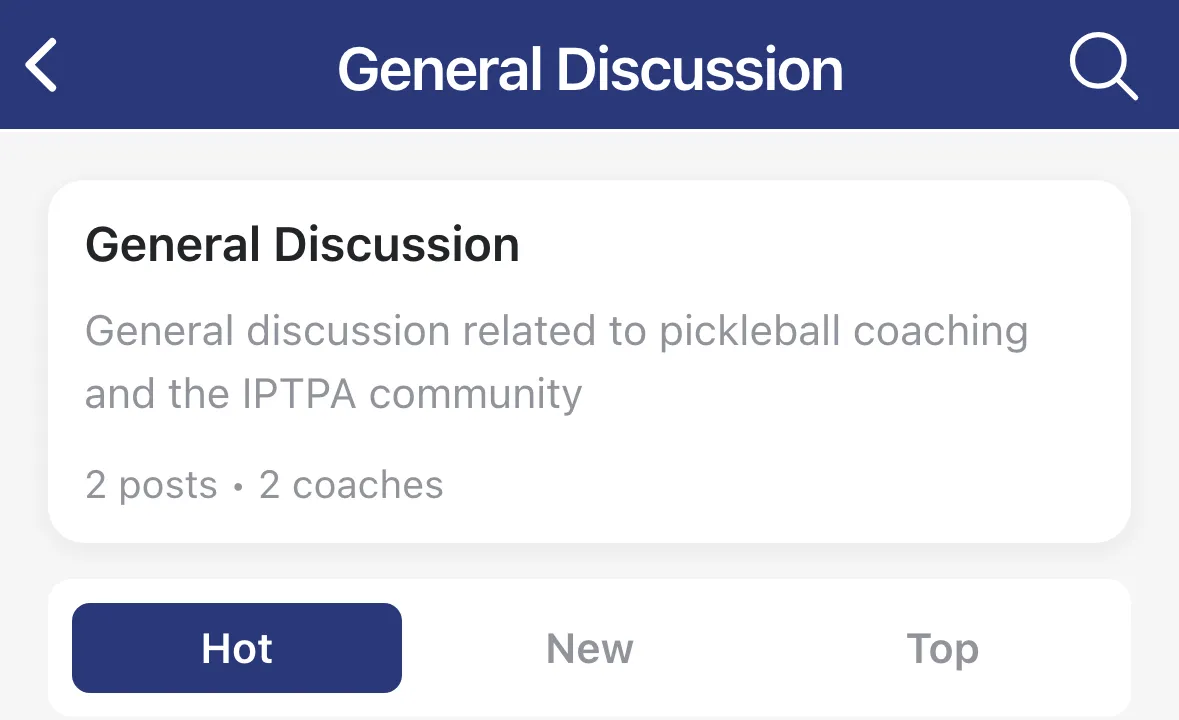
Inside a forum you see its description, how many posts and coaches it has, and the same Hot, New and Top tabs.
Start a post
Section titled “Start a post”-
Tap the + button at the bottom right of the feed or of a forum.
-
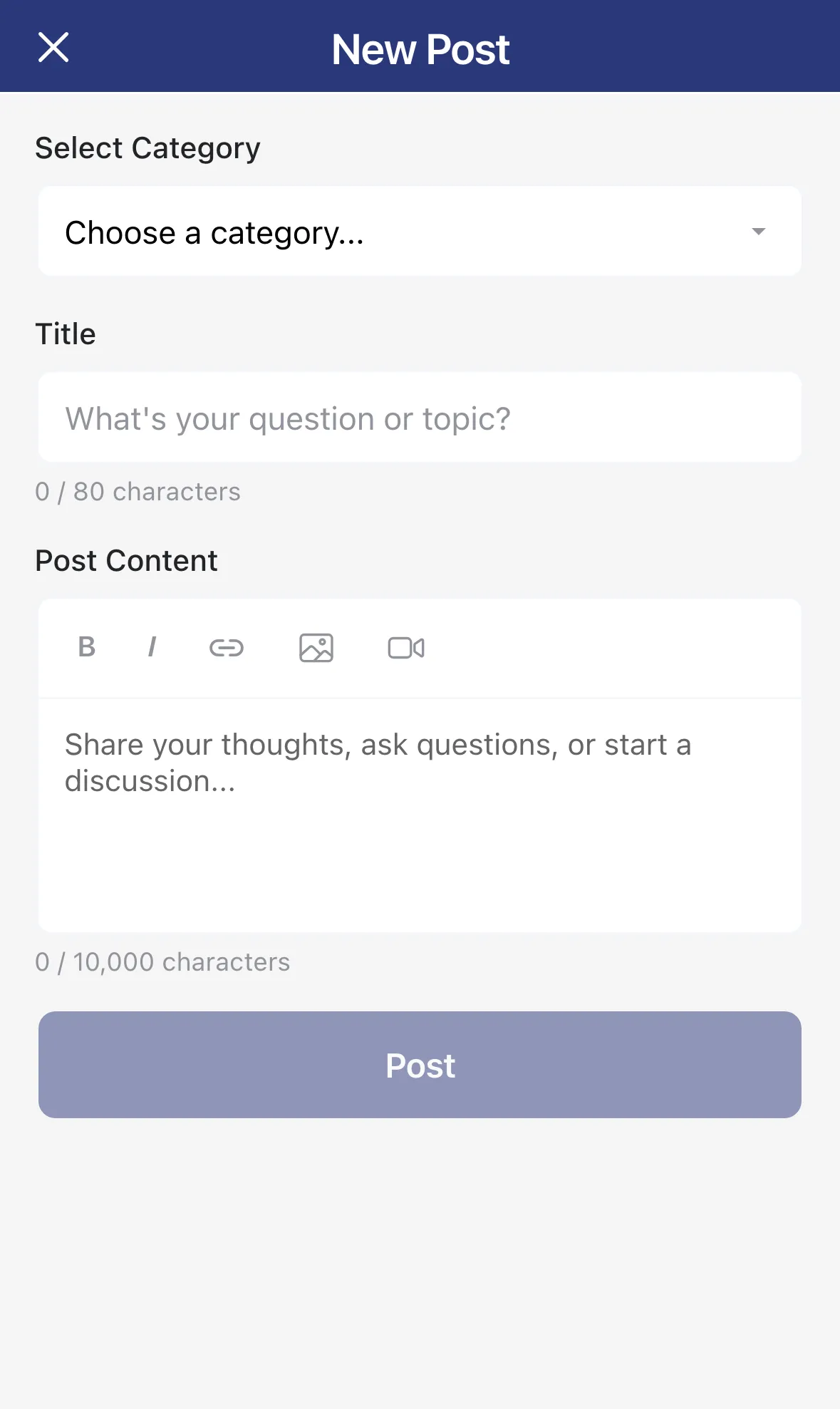
Pick a forum under Select Category, then type a Title and the Post Content.
-
Use B and I for bold and italics, and the link button to add a link. You can also attach images or a video link.
-
Tap Post. The button turns on once you’ve chosen a forum and filled in the title and content.
Tap the X at the top left to leave. The app asks Discard Post? if you’ve typed something.
Read and reply
Section titled “Read and reply”Tap a post to open it. Under the post, Best, New and Top sort the comments, and the header shows how many there are.
- Tap Add a comment… at the bottom to reply to the post, or Reply under a comment to answer that comment.
- Write your answer under Replying to: and tap Reply.
Long conversations continue on their own Thread screen when you tap through. Tap a coach’s name to see their Profile, with their Posts and Comments.
The … button at the top right of a post has more:
- On someone else’s post: Flag Post (report it as Spam, Harassment, Inappropriate Content, Misinformation or Other) and Copy Link.
- On your own post: Edit Post and Delete Post.
On a comment, the … button lets you Flag Comment, or Delete Comment on your own.
Get notified about replies
Section titled “Get notified about replies”Turn on Community Replies in Notifications to get an alert when someone replies to your posts or comments.