
Calendar Preferences
Set your default appointment length, how far ahead clients can book and your travel buffer.
Calendar Preferences are the settings that shape your calendar and what clients can book. They apply to every appointment you and your clients make.
Open Calendar Preferences
Section titled “Open Calendar Preferences”-
Open the menu and tap Settings.
-
Under Preferences, tap Calendar Preferences.
-
Change what you need, then tap Save Preferences at the bottom.
What you can set
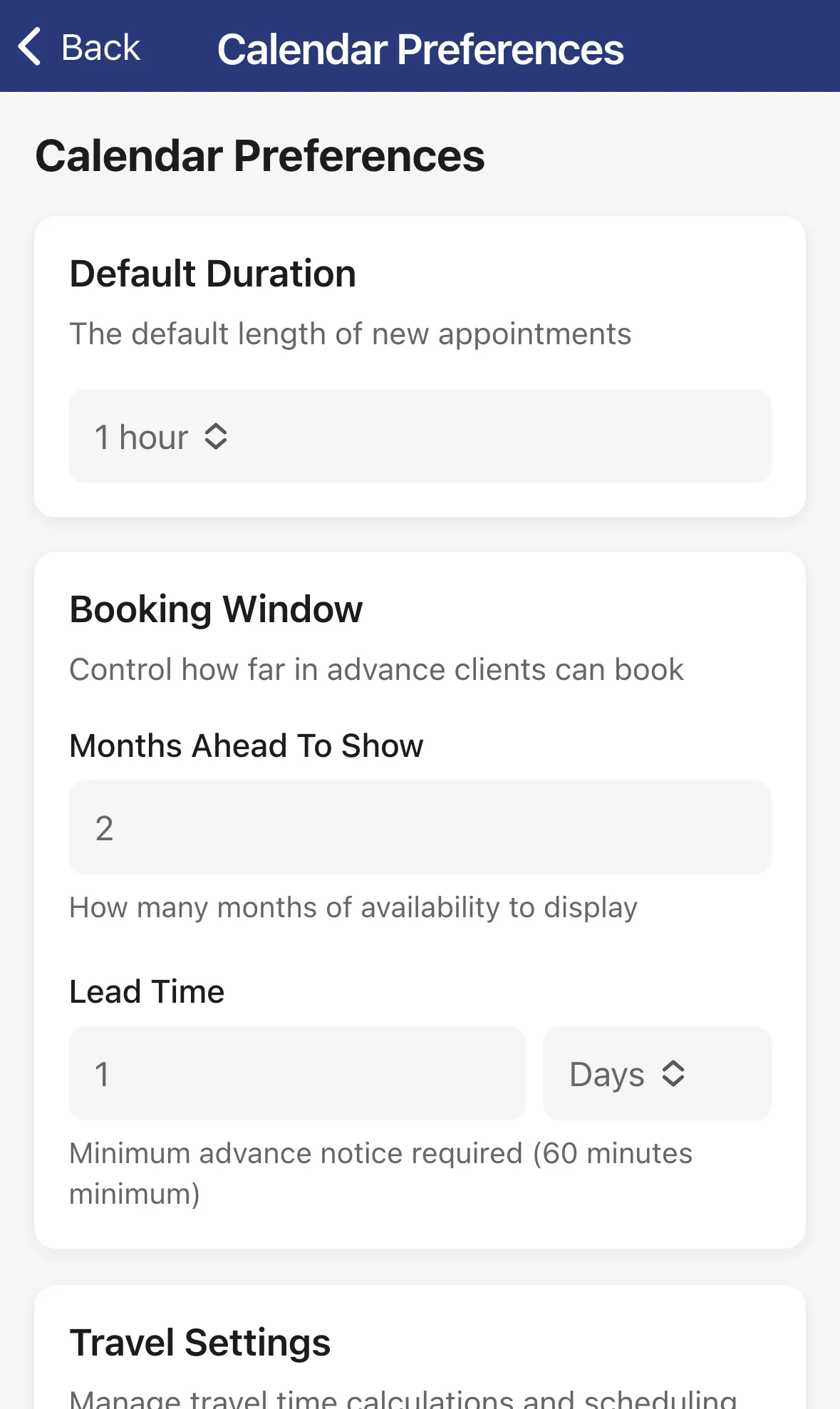
Section titled “What you can set”Default Duration. The length a new appointment starts with: 30 minutes, 45 minutes, 1 hour, 1.5 hours or 2 hours. You can still change it on each appointment.
Booking Window. Controls how far ahead clients can book.
- Months Ahead To Show: how many months of openings clients see.
- Lead Time: the least notice you need, in Minutes or Days. The minimum is 60 minutes, so nobody can book you for a time that’s about to start.
Travel Settings. For coaches who drive between locations.
- Travel Buffer: extra minutes added to every travel estimate, for parking and delays.
- Minimum Bookable Gap: if the time left after travel is shorter than this, that slot isn’t offered to clients. Tap the info icon next to it for an example.
Booking Approval. If you see this card, you can turn on Require approval for new bookings so each client booking waits for you. Then choose Auto-decline pending requests after a number of hours, from 4 to 72. A request you don’t answer by then is declined for you. Approve or decline requests in the Activity tab.